



⇆
BeforeAfterMagic edit
NEWAI editType what you want changed – the light, the sky, the room – and AI does it.
Transform your photos with powerful AI filters, makeup, smiles, hairstyles, backgrounds and more – all in one studio.
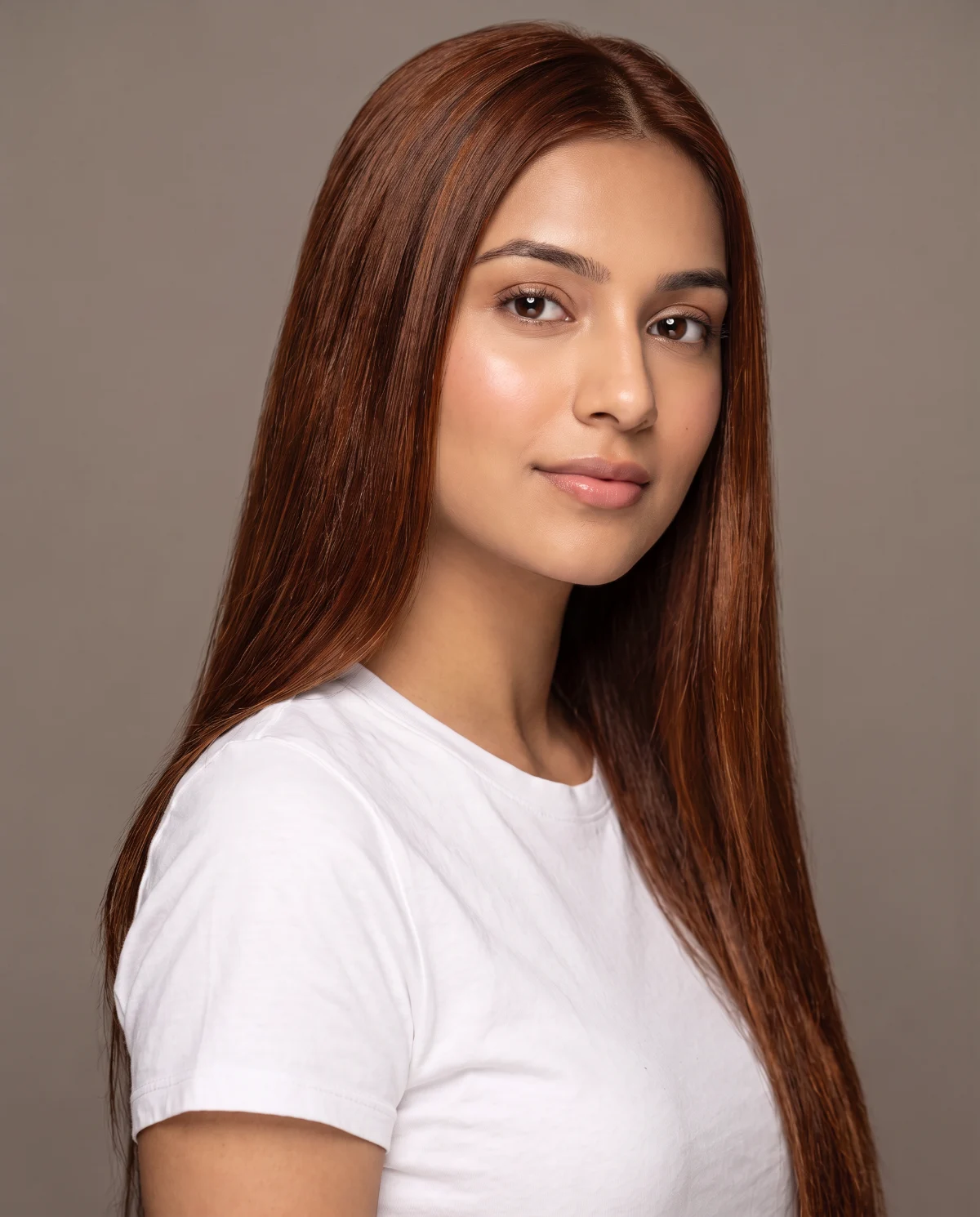
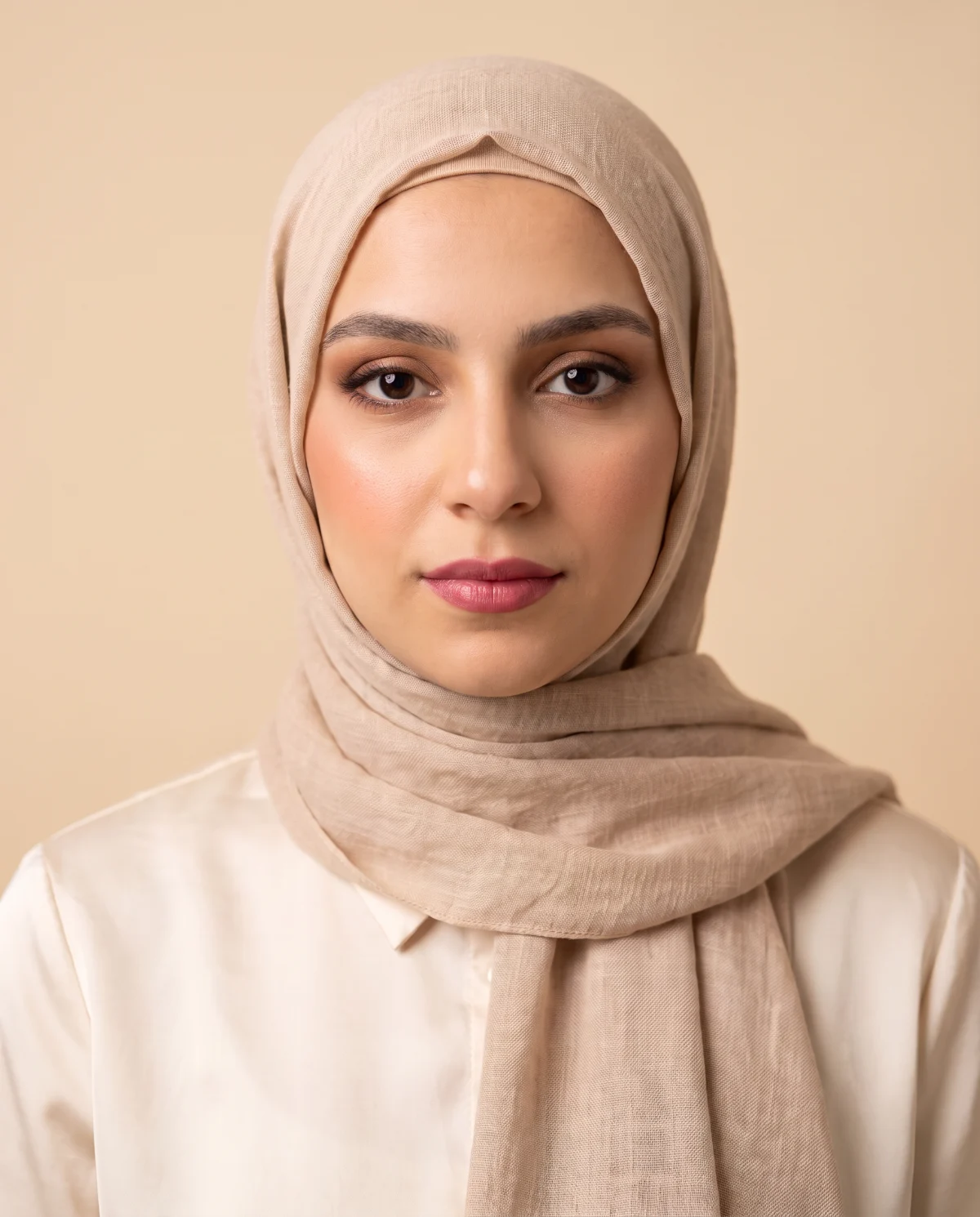
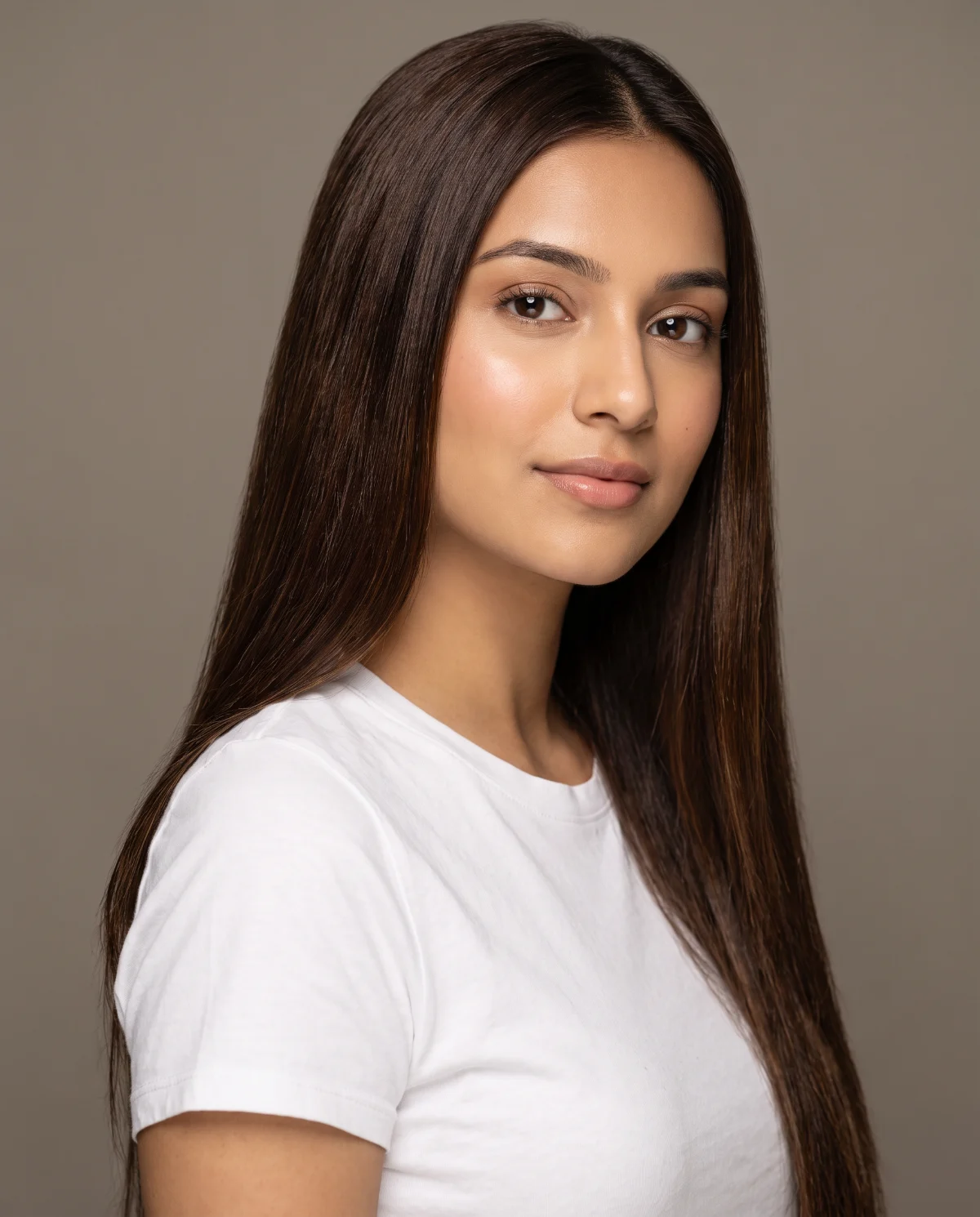
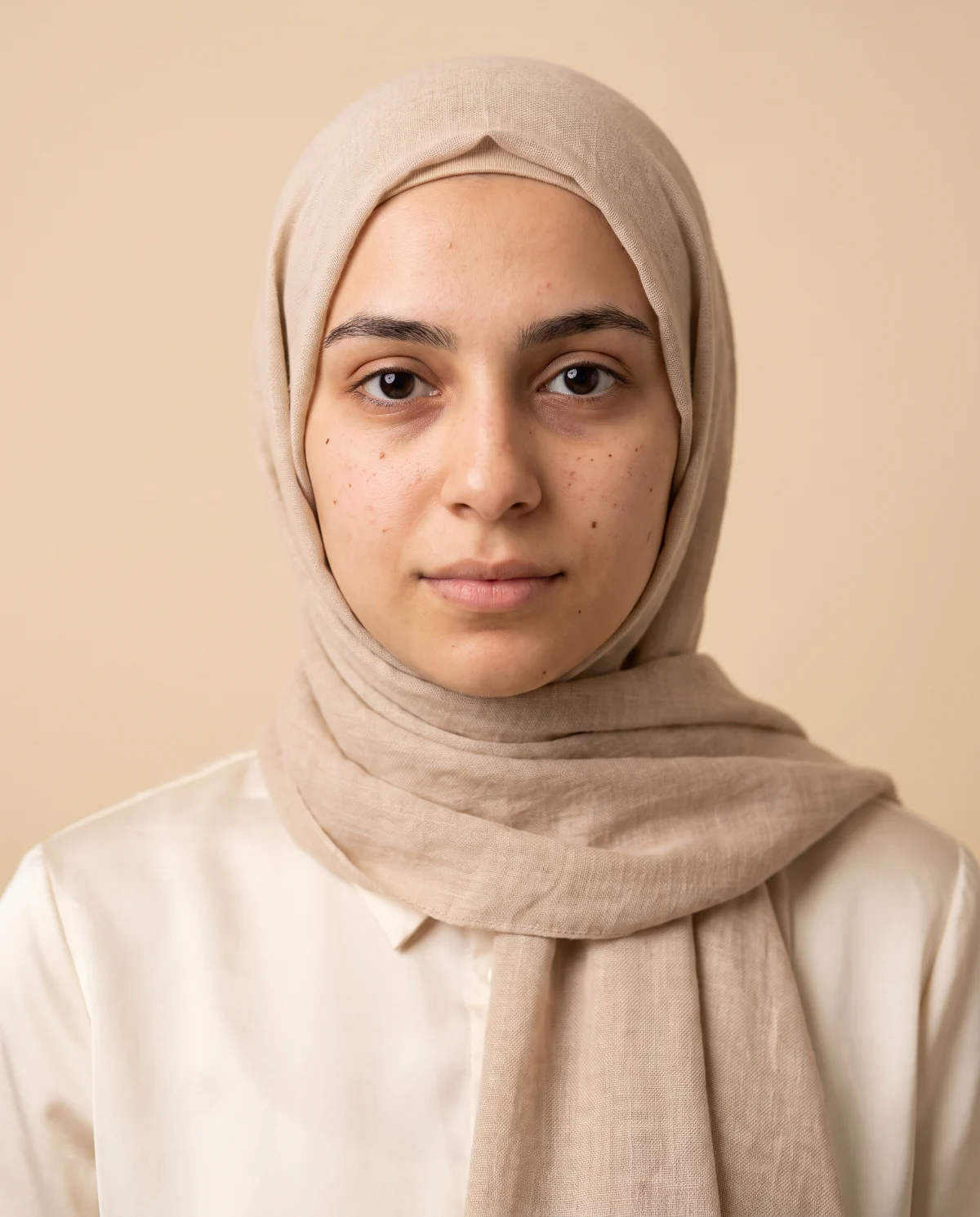
 AfterHair colour

Advertisement
The studio
Drag the slider to compare. Many tools are free; PRO edits and more AI edits come with a plan.
Type what you want changed – the light, the sky, the room – and AI does it.
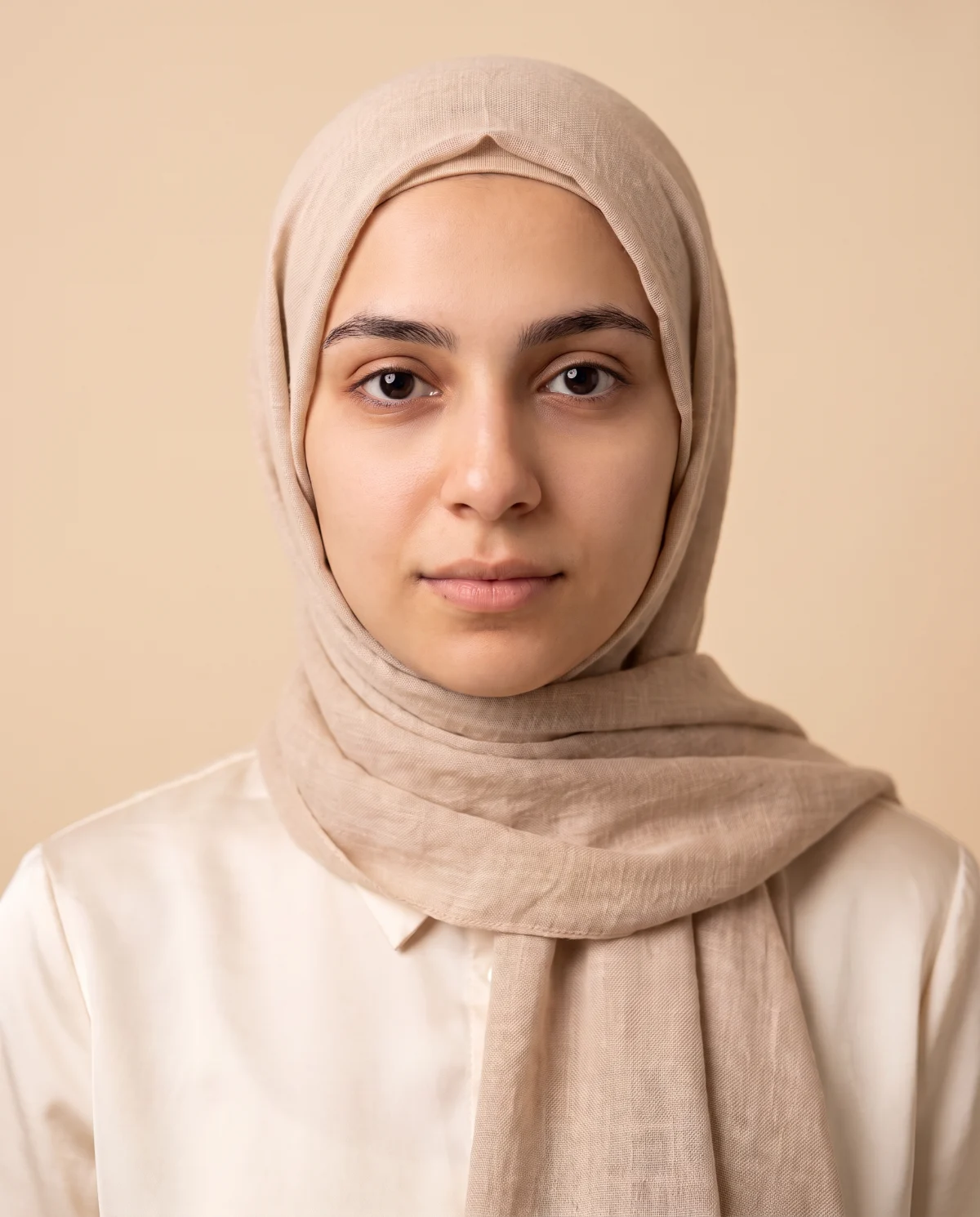
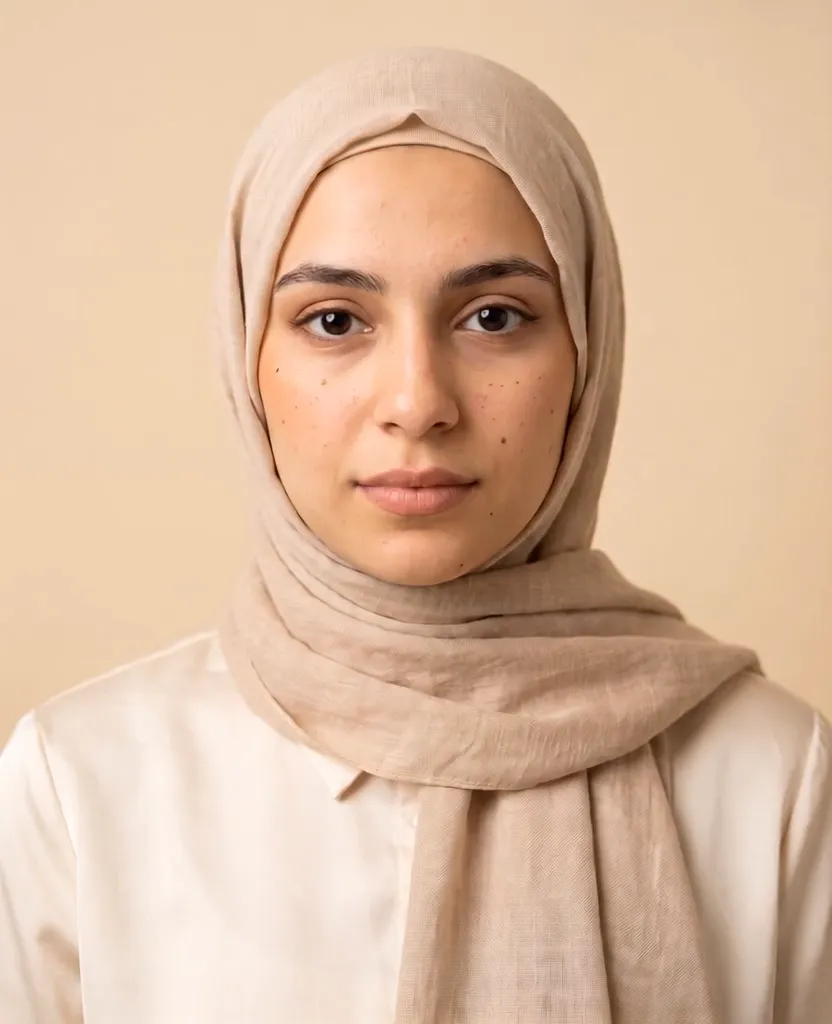
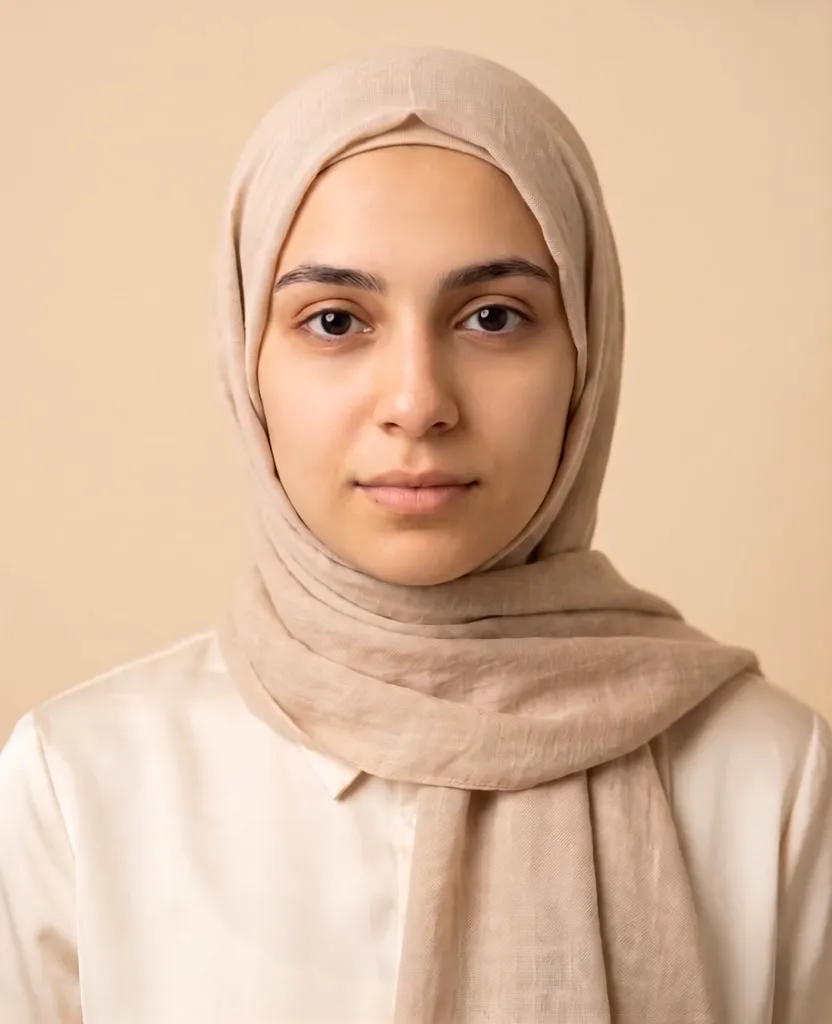
Blemishes and tired eyes gone, real skin texture kept.
Soft glam, bridal, everyday – full makeup looks in seconds.
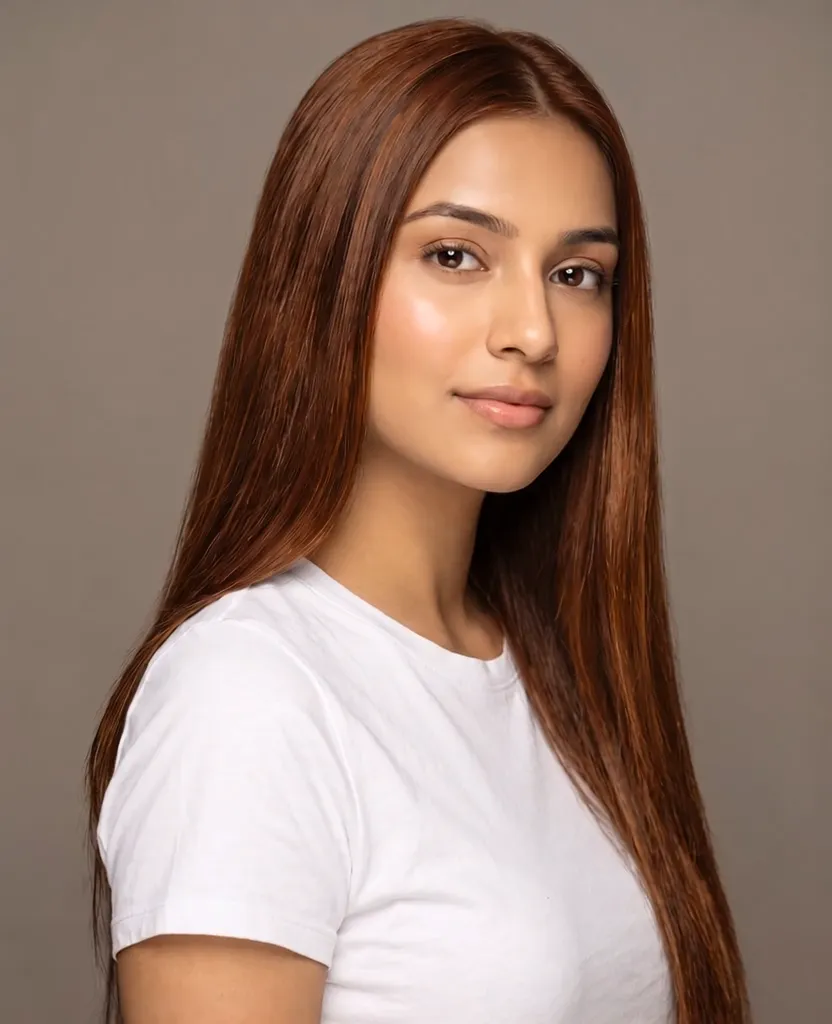
Salon colour with real highlights and shine. Head coverings are always kept.
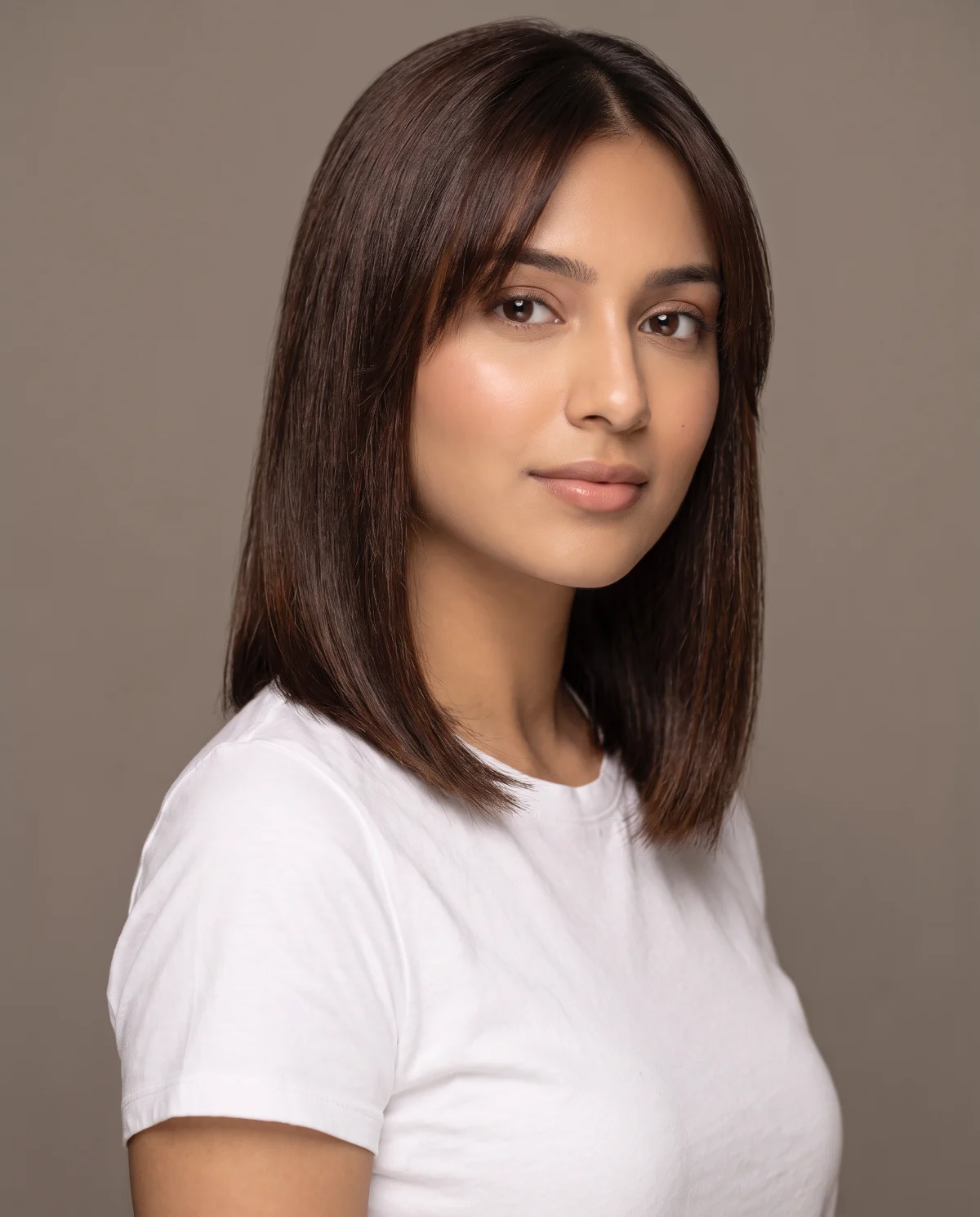
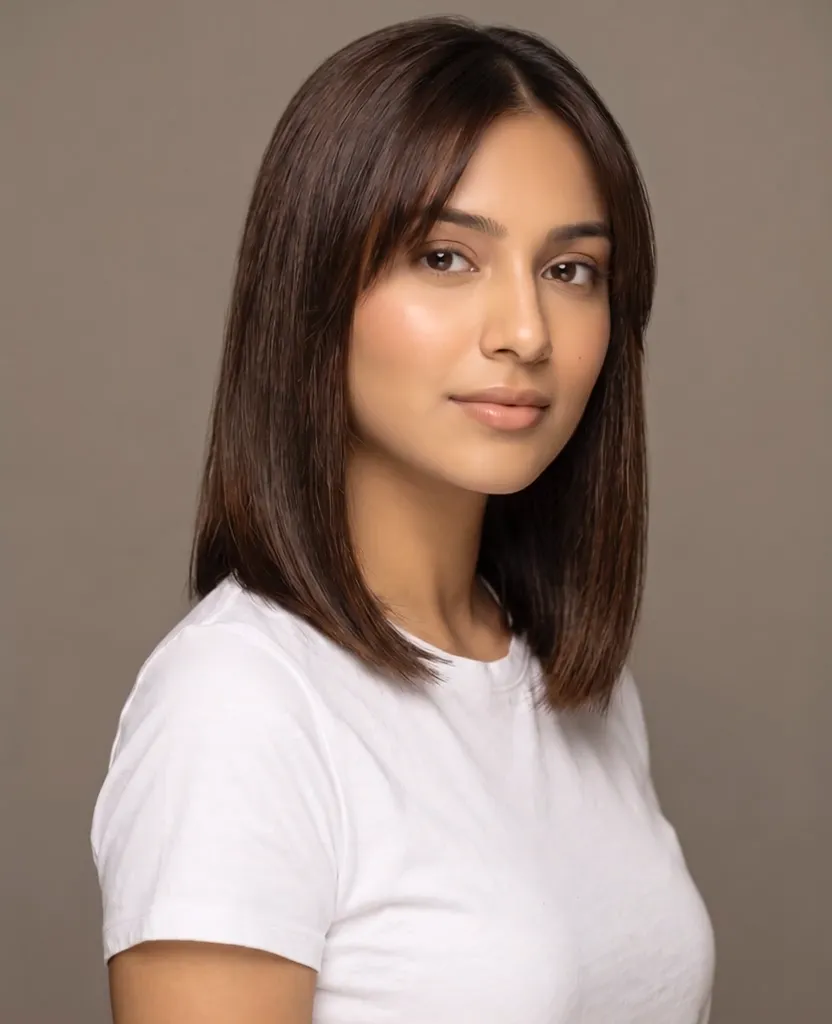
Try a bob, curls or bangs before you visit the salon.
Swap a busy background for a studio, a city or your own photo.

A natural smile or a confident look, still the same person.

Brush over people or things in the way – they disappear.


Sharper detail and cleaner noise for small or old photos.
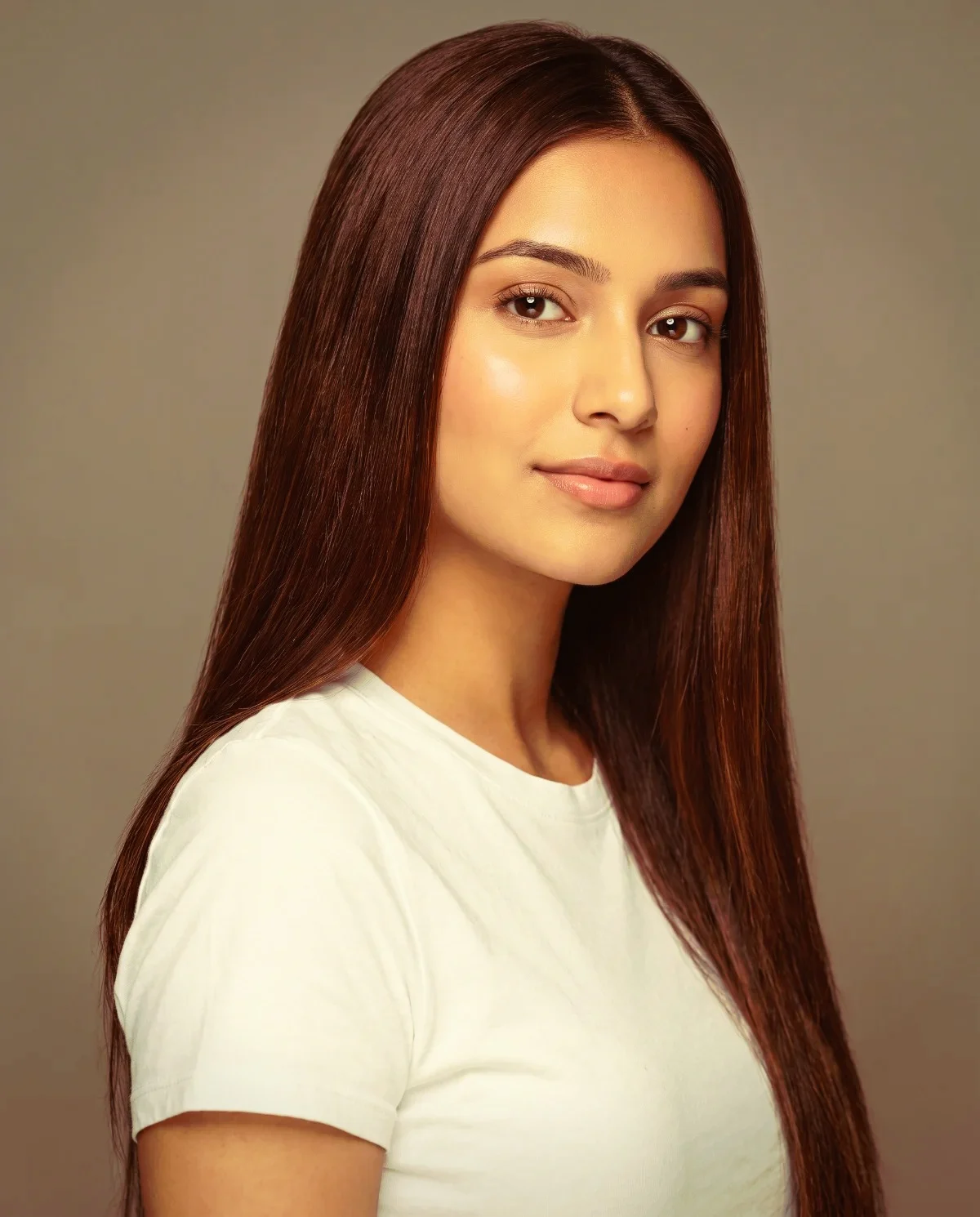
50 pro looks – film, warm, moody, black & white – live on your photo.

Creamy background blur that keeps the person sharp.

Captions in five fonts, emoji stickers and Insta-ready borders.
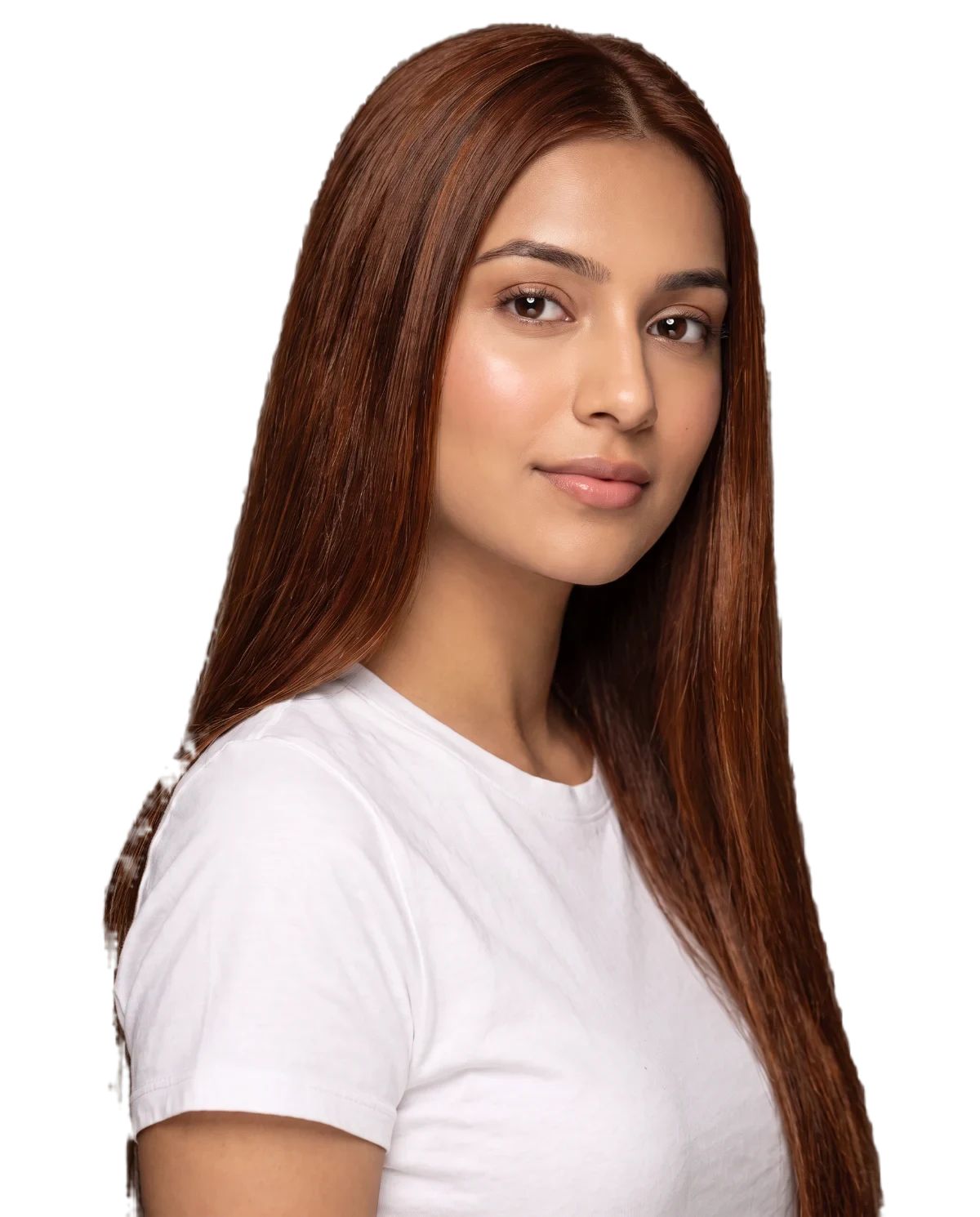
The person on a see-through background, saved as a PNG.
Advertisement
Plans
Start free. Pick a plan when you want every PRO edit and more AI – billed monthly, cancel any time.
Free
Basic filters, brightness and contrast, crop, spot heal, text, stickers, a white border, pixelate – plus a few AI edits to try.
PRO edits
Premium filters, retouch, reshape, makeup paint, backgrounds, light effects, frames and cutout – included in every plan.
AI edits
Magic edit, AI skin, makeup, hairstyles, hair colour, smiles, glasses, object remover and HD Enhance.
Plans renew every month automatically. Cancel any time and keep your plan until the end of the month you paid for. Switching plans replaces the old one. Unused AI edits carry over.
Free and PRO edits happen on your phone – the photo never leaves it. Only AI tools send the photo to our AI service to make the result.
Many tools are free. Starter ($15), Plus ($30) and Pro ($50) are monthly and include every PRO edit plus AI edits every month – the bigger the plan, the more AI you get. They renew automatically; cancel any time under Plans and keep your plan until the paid month ends. Unused AI edits carry over.
Never. Hair tools and Magic edit keep any head covering exactly in place; if a request would change it, it isn't made and nothing is used.
Yes – tap “Install Super Studio” (or download the Android app) and it opens full screen like any app.
Write to hello@supernxt.com and we'll get back to you.